# Fishies · your aquarium as a live wallpaper
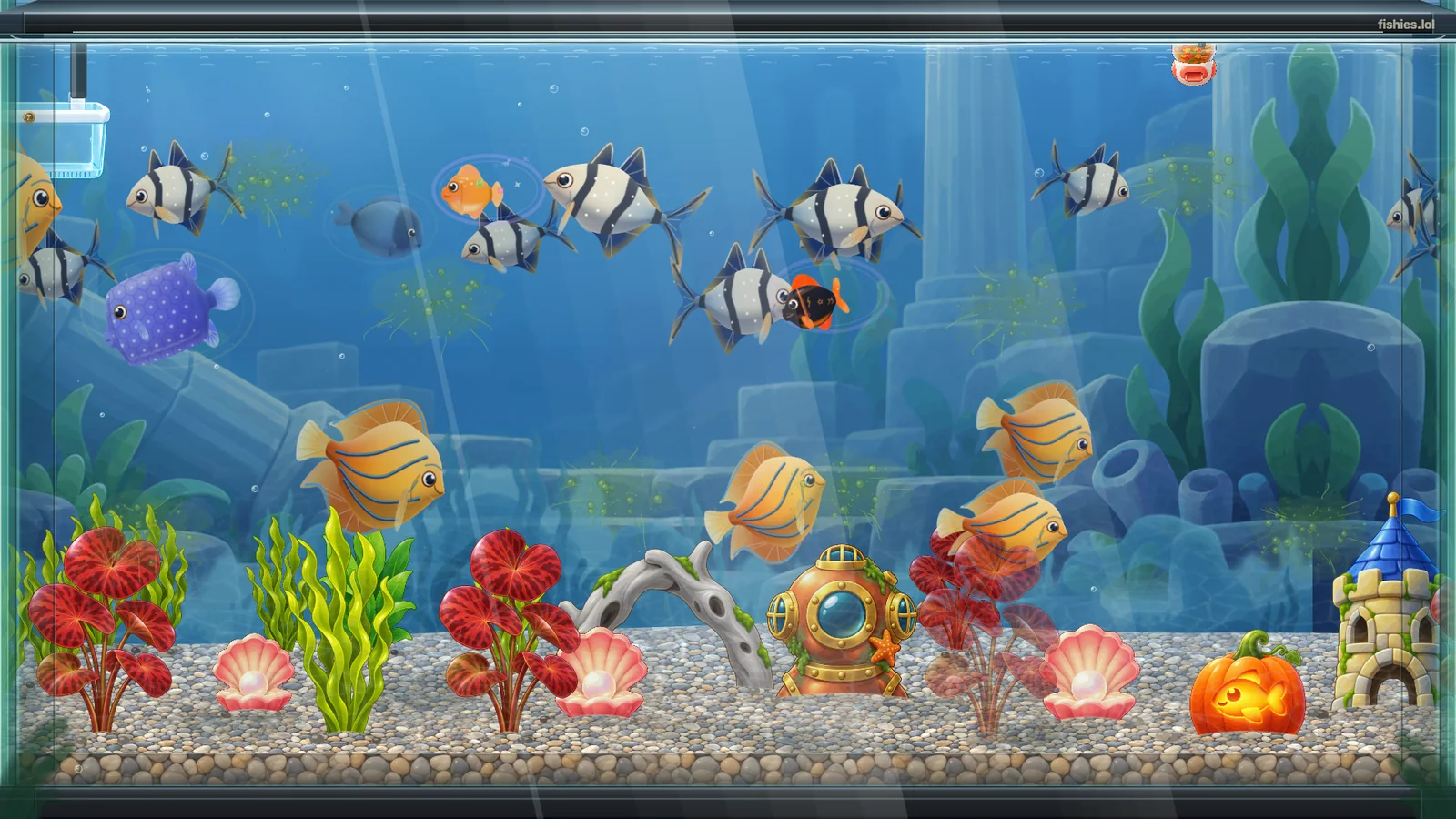
A web wallpaper for [Wallpaper Engine](https://www.wallpaperengine.io) that shows a Fishies aquarium on your desktop: the real, live tank, with no HUD and no sound.
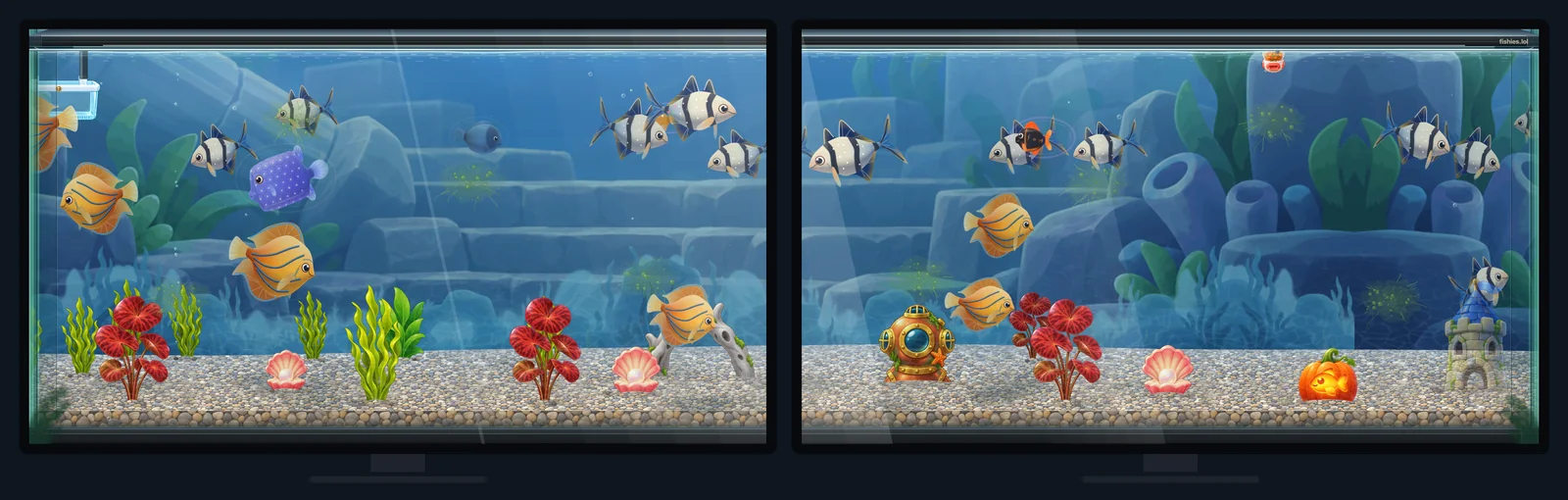 - **One wallpaper per monitor** (Wallpaper Engine's default): every monitor has its own settings, so each can show a different keeper or a different aquarium, at its own frame rate.
- **Span across monitors**: choose the span layout in Wallpaper Engine and one aquarium stretches over all of them. Wide and tall screens are filled edge to edge, never stretched: an ultrawide (3440x1440), a 32:9 pair (3840x1080), a portrait monitor (1080x1920) and 4K all keep the fish at their own shape.
- High DPI screens draw at their full resolution.
## How it behaves
- Everything it draws ships inside the wallpaper: the aquarium engine, the fish, the decorations and the tank art. The only thing it reads from the internet is the aquarium itself, from `https://fishies.lol/api/public/